Checklists
IT Asset Management Checklist for Small IT Teams Guide
A practical IT asset management checklist for small teams with a 60-minute weekly runbook to reduce ownership drift and overdue returns.
If your team runs IT assets from spreadsheets, this checklist gives you a practical weekly system that takes about 60 minutes and keeps records reliable.
TL;DR
Use this checklist if your team has 1-10 IT staff and needs:
- clear ownership of laptops and peripherals
- fewer overdue returns
- less audit cleanup at month end
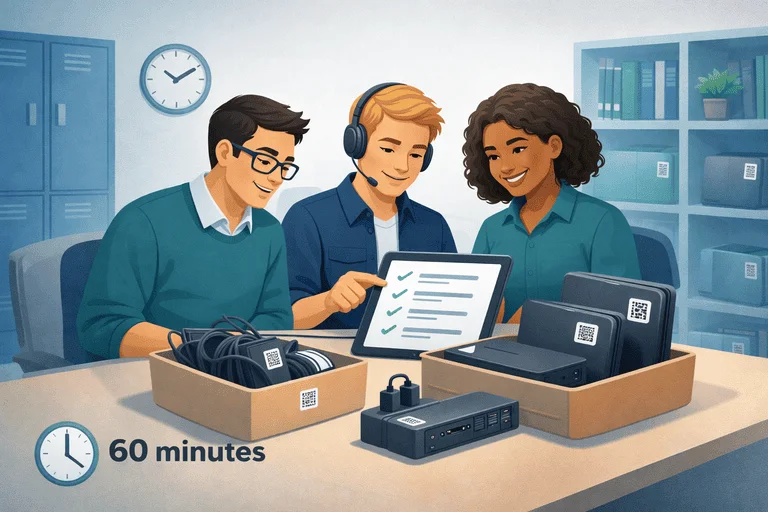
Run one 60-minute session each week:
- verify priority assets
- close missing-owner gaps
- resolve overdue returns
- update records immediately
If you are replacing spreadsheets, also use IT Asset Register Excel Alternative for Small IT Teams.
Why Small IT Teams Need a Weekly Checklist
Small teams usually lose control through small daily misses:
- devices move but records are not updated
- returns happen without full kit verification
- ownership fields become stale
- audit prep turns into manual cleanup
A short weekly checklist prevents that drift before it becomes an incident.
60-Minute Weekly ITAM Runbook
0-10 min: Open and scope
- Choose one scope: laptops, peripherals, or one location.
- Pull the current asset list.
- Mark records with missing owner or status.
10-25 min: Verify ownership and location
- Confirm who has each high-use asset.
- Confirm current location for shared items.
- Flag mismatches immediately.
25-40 min: Returns and overdue closure
- Review overdue assets.
- Contact current holders and set clear return dates.
- Verify full return kits (laptop, charger, dock, adapter).
40-50 min: Update records
- Close all resolved mismatches.
- Add notes for unresolved items.
- Move unresolved cases to next session queue.
50-60 min: Report and next actions
- Export a short summary:
- total checked
- mismatches found
- overdue items closed
- Set scope for next week.
Weekly Checklist Template
Use this table as your repeatable session format.
| Check | Done? | Notes |
|---|---|---|
| Scope selected (category/location) | ☐ | |
| Missing owner records reviewed | ☐ | |
| High-use assets verified | ☐ | |
| Overdue items contacted | ☐ | |
| Return kits verified | ☐ | |
| Records updated same day | ☐ | |
| Next session scope set | ☐ |
When to Move Beyond Spreadsheet Tracking
Move from spreadsheets to dedicated tracking if 2 or more are true:
- more than one person edits the file weekly
- unresolved ownership issues repeat every week
- return follow-up is mostly manual messages
- audit sessions take longer than 60-90 minutes
For checkout-heavy teams, use Equipment Checkout Software for Small Teams: Buyer Guide.
Common Mistakes to Avoid
- auditing everything at once instead of focused scopes
- updating records days later instead of same-day closure
- tracking laptops but not accessories
- leaving overdue resolution without clear owner
FAQ
Is this checklist enough without ERP?
Yes. Most small IT teams can run reliable ITAM operations without ERP by using one consistent weekly process.
How often should we run this?
Weekly is the default for active teams. For low-movement environments, biweekly may be enough.
What metrics should we track first?
Start with:
- overdue returns count
- records with missing owner
- unresolved mismatch count
Next Step
If you want to run this process with less manual work:
Related reading
- IT Asset Audit Checklist (for Small IT Teams)
- IT Asset Audit Frequency: Monthly vs Quarterly (Rules of Thumb)
- Offboarding Equipment Return Checklist (Laptops + Peripherals)
- IT Asset Register Template (CSV) for Small IT Teams
- IT Asset Inventory List Template for Small IT Teams (Spreadsheet Replacement)
- Minimum Viable IT Asset Management (MV-ITAM) for Small IT Teams
Methodology
- This page was reviewed against adjacent InvyMate workflow pages and the external references listed below.
- Recommendations are written for practical asset-tracking operations and are intended to stay specific about workflow scope, tradeoffs, and implementation boundaries.
Related Standards and Guidance
- CIS Critical Security Control 1: Inventory and Control of Enterprise Assets · Center for Internet Security
- NIST SP 800-171 Rev. 3 · NIST
Try InvyMate
Start tracking assets with QR codes and scheduled audits.