Comparisons
Equipment Checkout Software: Choosing the Right System
Use a practical decision framework to choose equipment checkout software for small teams, including school-specific workflow checks.
Compare equipment checkout software for small teams, using practical criteria for setup speed, accountability, and spreadsheet replacement.
TL;DR
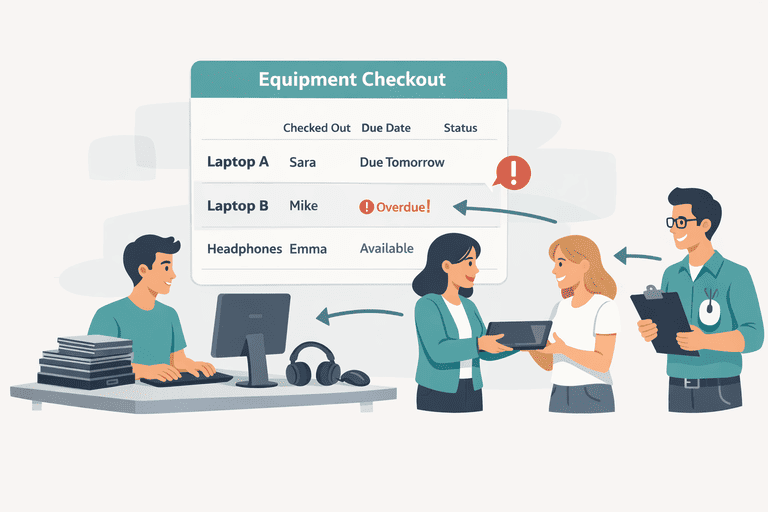
- If your team tracks shared tools, laptops, or kits, checkout software is usually worth it once spreadsheets drift.
- For small teams, prioritize scan speed, ownership history, and overdue visibility over feature bloat.
- A 2-week rollout is realistic when you start with one category and one workflow owner.
When You Need Equipment Checkout Software
You usually need checkout software when at least one of these appears every week:
- nobody can confirm who has an item right now
- return dates are tracked inconsistently
- missing tools are discovered only during audits
- offboarding leaves open equipment loops
If these issues already affect your operations, spreadsheets are likely the bottleneck: IT Asset Register Excel Alternative for Small IT Teams.
Small-Team Evaluation Matrix
| Evaluation point | What to check | Small-team decision rule |
|---|---|---|
| Checkout speed | Can users borrow/return in under 30 seconds? | If no, adoption will fail in busy periods |
| Ownership history | Can you see who had each item and when? | Must-have for dispute resolution |
| Overdue controls | Are reminders and overdue views built in? | Must-have for accountability |
| Setup overhead | Can you launch without custom implementation? | Prefer tools that go live in days, not months |
| Audit support | Can you run fast verified inventory sessions? | Must-have if you rely on periodic checks |
Use this matrix first, then compare broader platform fit: Top 10 Inventory Management Tools Compared. For school and campus buying intent, use the primary page: Equipment Checkout Software for Schools (2026 Buyer Guide for Small IT Teams).
School Teams: Mini Comparison Before You Buy
If you run school or campus lending, compare options with this quick filter:
| School-specific need | What to verify |
|---|---|
| Front-desk speed | Borrow/return process works for non-technical staff in under 1 minute |
| Full-kit returns | Laptop + charger + adapter can be checked as one return event |
| Overdue escalation | Late returns can trigger reminders without manual chasing |
| Department reporting | Exports can be filtered by class, room, or department |
For a school-specific rollout playbook, use Equipment Checkout System for Schools (Small IT Team Playbook).
2-Week Rollout Plan
Week 1: Baseline and setup
- Choose one category (for example laptops or shared tools).
- Import core fields: item ID, status, owner/location, expected return date.
- Label active items with QR codes.
Week 2: Live workflow
- Enforce check-in/out scanning for the selected category.
- Track exceptions (late, missing, damaged).
- Run one mini-audit and reconcile mismatches.
If you need the broader system design, use: The Ultimate Guide to Equipment Checkout Systems.
Objections (and Practical Answers)
“We’re too small for checkout software.”
If you share equipment across people or shifts, reliability matters more than team size.
“We already use spreadsheets.”
Spreadsheets are useful for baseline imports, but weak for event tracking and accountability history.
“We can’t afford enterprise tools.”
You do not need ERP-level scope to solve checkout operations. Start with a focused workflow and expand only when needed: Asset Tracking Software vs ERP Modules: What to Choose?.
Next Step
Run a quick workflow check first, then start with your real inventory:
- Review product flow: How it works
- Start pilot: Start free trial
Conclusion
Equipment checkout software is a practical upgrade for small teams once manual tracking starts creating loss, delays, or audit friction. Use a simple evaluation matrix, launch one workflow quickly, and scale only after the process is stable.
Related reading
- The Ultimate Guide to Equipment Checkout Systems
- IT Asset Register Excel Alternative for Small IT Teams
- Asset Tracking Software vs ERP Modules: What to Choose?
- Managing Shared Tools in Workshops and Makerspaces
- Top 10 Inventory Management Tools Compared
Methodology
- This page was reviewed against adjacent InvyMate workflow pages and the external references listed below.
- Recommendations are written for practical asset-tracking operations and are intended to stay specific about workflow scope, tradeoffs, and implementation boundaries.
- This page was reviewed as a comparison or buyer-evaluation page, so the emphasis is on workflow fit, rollout effort, and operational tradeoffs rather than feature-list breadth.
Related Standards and Guidance
- FEMA Property Management Inventory Guidance · U.S. Government Accountability Office
- CIS Critical Security Control 1: Inventory and Control of Enterprise Assets · Center for Internet Security
Try InvyMate
Start tracking assets with QR codes and scheduled audits.